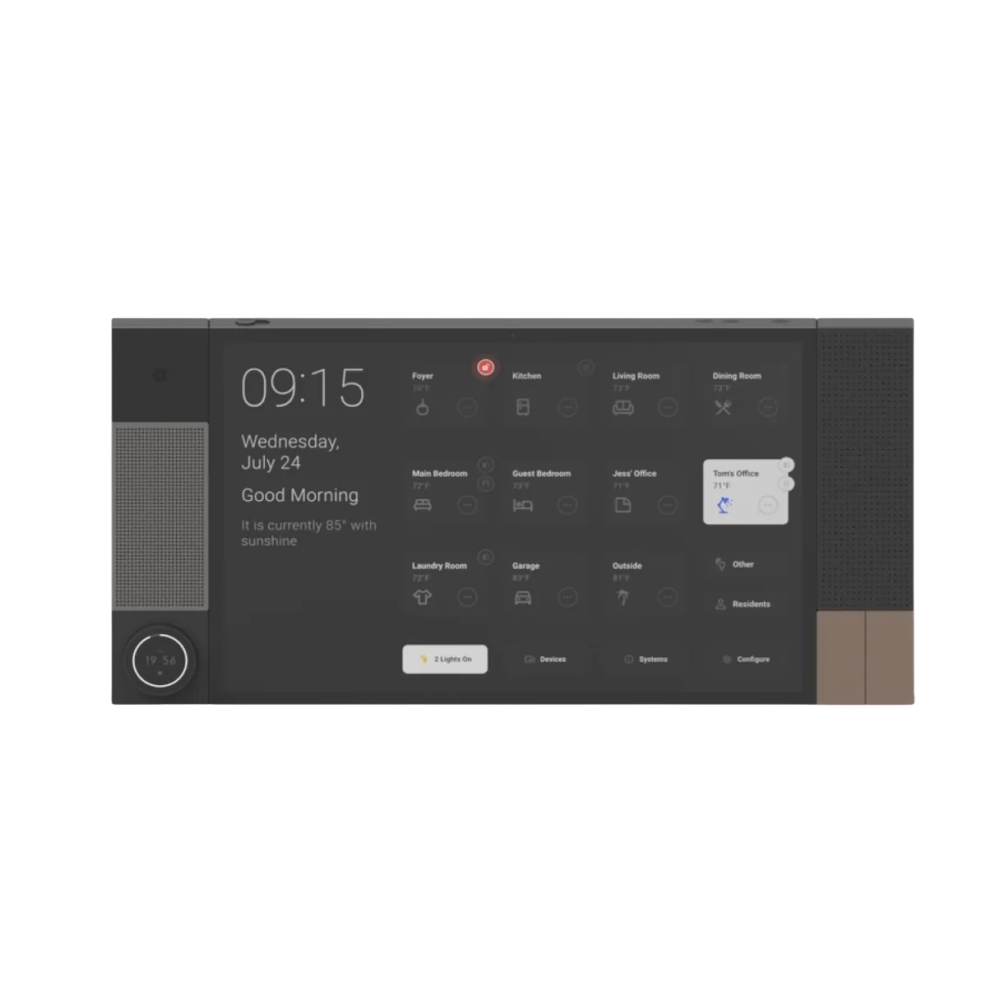
Omni mode
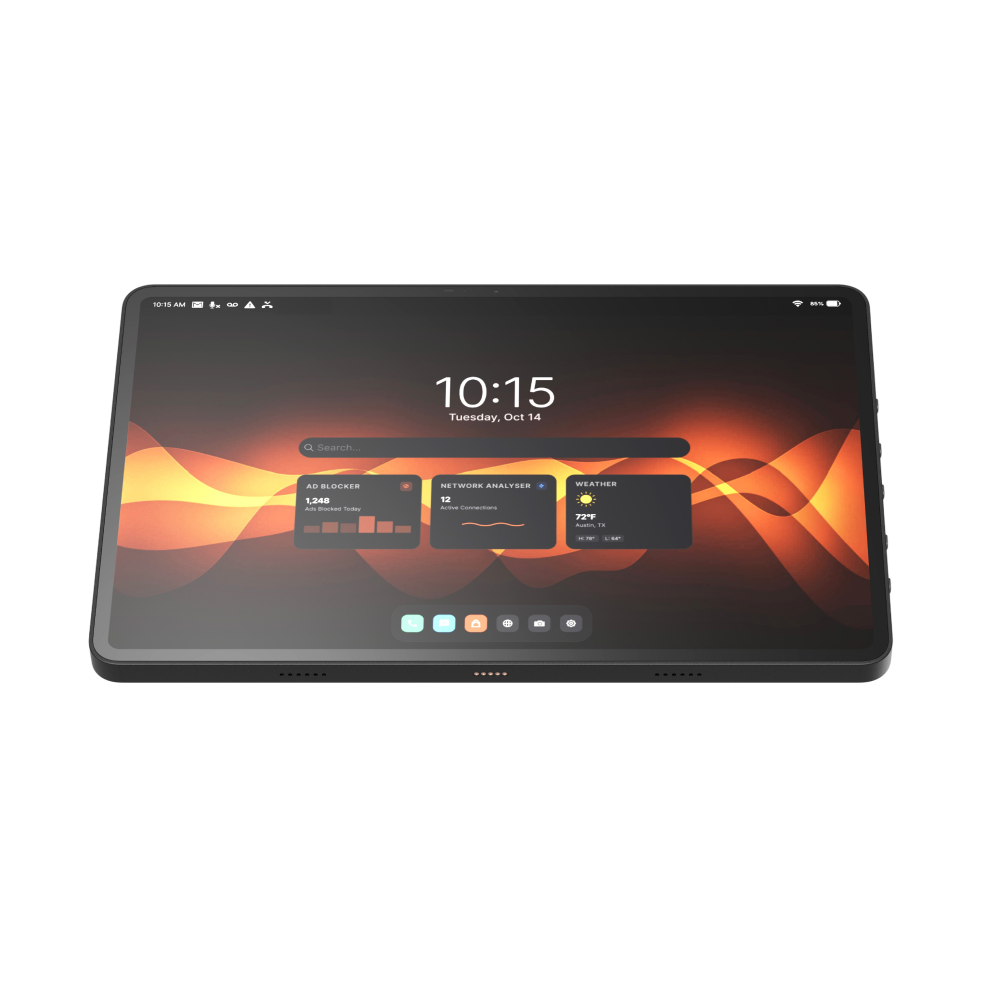
The full de-Googled Android interface, with application installation and access to the device’s software capabilities.


An open-source, de-Googled operating system based on Android.
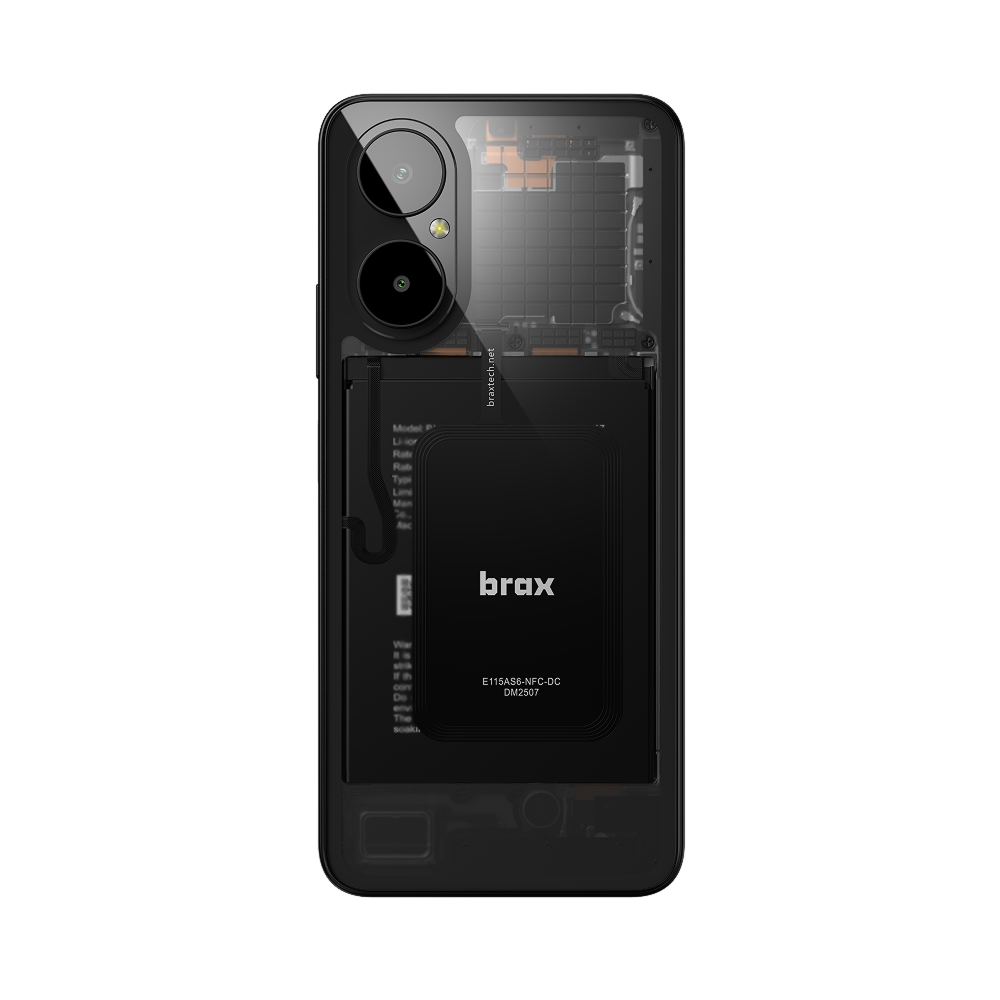
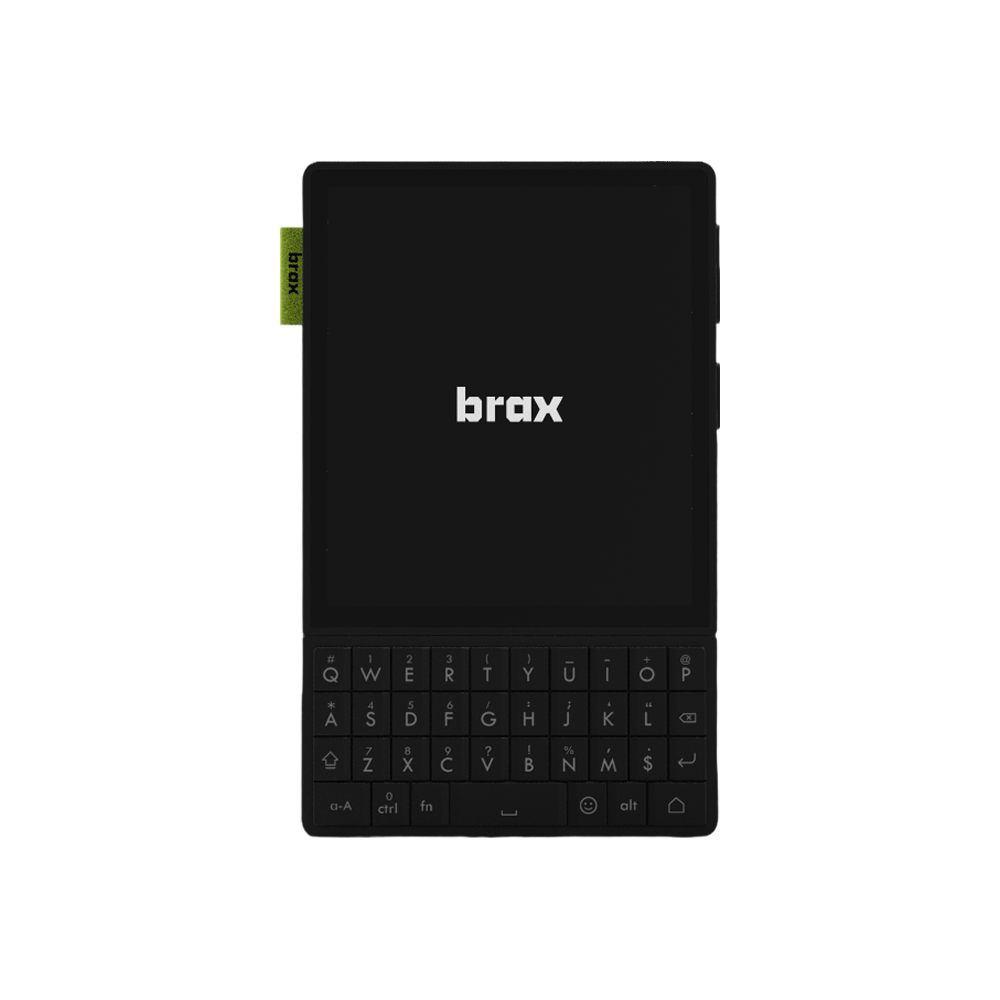
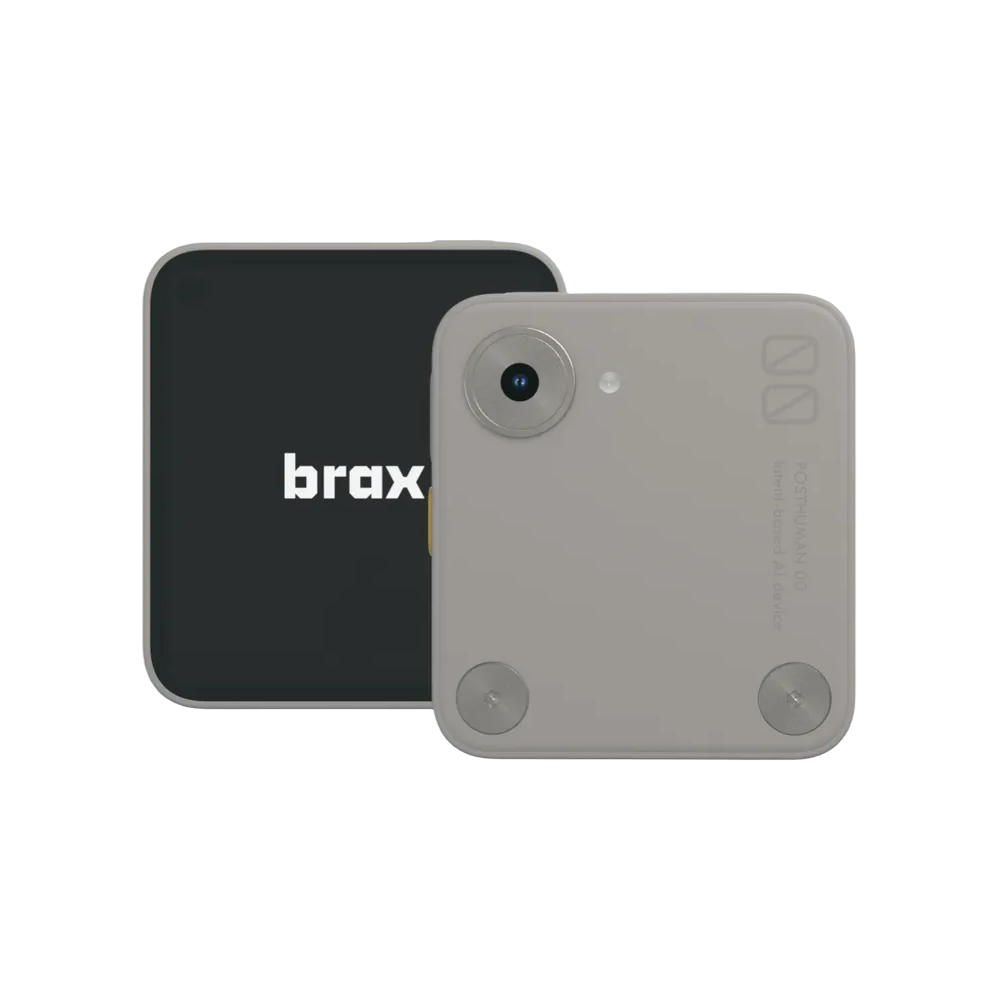
BraxOS extends standard Android privacy and security with additional security hardening and advanced privacy controls. It combines protections for the kernel, memory and application runtime with controls over application permissions, device access and data. BraxOS is coming soon to multiple devices, including BraX3 and open_slate.
Operating modes, data protection and application controls. Feature availability depends on the device and release.
The full de-Googled Android interface, with application installation and access to the device’s software capabilities.
A reduced interface focused on calls, messages, encrypted communication and optional navigation, limiting the applications exposed during everyday use.
Wipe policies include a duress password, consecutive failed unlock attempts, a configured powered-off interval and wiping on restart.
Control application access to the network and device sensors. Separate user profiles isolate application data and account contexts.
Internet-based calls and messages between Brax users, with end-to-end encryption between the participants.
PIN scrambling, fingerprint second-factor authentication and USB data restrictions provide additional controls over access to the device.
Memory protections make programming errors harder to turn into access to the device apps or data. They separate sensitive allocator information, detect corruption and clear memory after use.
Read-only stack guards, guard pages and randomized thread stacks protect critical runtime data. Sensitive-data clearing and random-number handling are also hardened. The C library test suite passed on BraX3.
Separate process state and debugging restrictions limit the information an app can reuse against another process. Ahead-of-time compilation reduces reliance on code generated while an app is running.
Each non-debuggable app starts with fresh library addresses, allocator state and canaries. A compatibility setting is available per app. This increases launch time and memory use; in one BraX3 test, Settings cold starts rose from about 0.8 seconds to 1.4–1.6 seconds.
The kernel controls memory, hardware and process access. Additional checks, memory clearing and restrictions on kernel code reduce the ways a compromised app can attack this privileged layer.
A 48-bit virtual address space and 33-bit memory-map randomization make address guessing harder. A per-app 39-bit compatibility mode supports applications that need the smaller layout.
Startup and runtime changes reduce executable-code exposure and the time sensitive data remains accessible. Optional reboot controls return a locked device to its before-first-unlock state.
An optional timer restarts a device after it has remained locked for the selected period. It is off by default and can be configured under Exploit protection.
Mandatory access controls constrain what system processes can do, even if their code is compromised. These changes narrow access to executable memory and sensitive debugging interfaces.
Preinstalled apps have code-loading restrictions, and zygote processes and system_server no longer receive the removed executable-memory permissions. WebView JIT remains allowed, and general app executable-memory permission remains; these changes do not eliminate all dynamic code execution.
Compiler settings reduce unsafe native-code behavior, while sensor permissions let you limit access to device measurements. These protections operate below an app’s own privacy settings.
The sensor service enforces the Sensors permission, with denial notifications and a configurable auto-grant setting. Enforcement was checked on BraX3.
Per-app controls let you limit network and sensor access. Location indicators, reduced screenshot metadata and separate user profiles give you more visibility and control over personal information.
Network access is a runtime permission. Granting or revoking it updates network-policy enforcement, so the choice is applied to app traffic.
Changing network identifiers between connections makes repeated connections harder to link to the same device. Clearing old network configuration reduces persistent identifying information.
New networks default to per-connection MAC randomization. DHCP state is cleared and the DHCP hostname is disabled. Existing saved networks retain their own privacy setting, which you can review in Settings.
Additional enforcement closes specific routes that could send traffic outside a VPN. The protections cover DNS, multicast discovery and direct interface binding when VPN lockdown is enabled.
The system resolver respects VPN lockdown when the VPN disappears. A device test confirmed failed resolution with no DNS packets leaving the Wi-Fi interface.
Removing retained network configuration between connections reduces the information that can link a new connection to an earlier one.
The DHCP client clears its previous state before reconnecting to a network. This works alongside Wi-Fi MAC randomization to reduce persistent network identity.
Controls for authentication, USB access and profile sessions help protect a device when it is locked or outside your possession. Optional controls need to be enabled and configured by the owner.
An optional locked-device timer returns the phone to its before-first-unlock state. Auto-reboot is off by default.
Safer authorization prompts and visible crash information help you understand privileged actions and failures. Additional controls let you choose how system alerts and screenshot sounds behave.
Approving a VPN for the first time also enables always-on operation and blocking of connections outside that VPN.
User-facing settings make the underlying protections configurable. They bring network access, authentication and device-lock controls into places where you can review and change them.
Exploit protection includes USB modes for normal use, charging-only when locked and charging-only operation. Changing the mode requires your device credential.
BraX3 does not support ARM MTE, PAC or BTI; those hardware-dependent protections are not listed as implemented.
BraxOS development status by device.
BraxOS feedback and development discussions.
Browse discussions, report issues and submit feature requests on the Brax feedback board.
Open feedback board ↗